
How to fix error of podcast not playing in Spotify
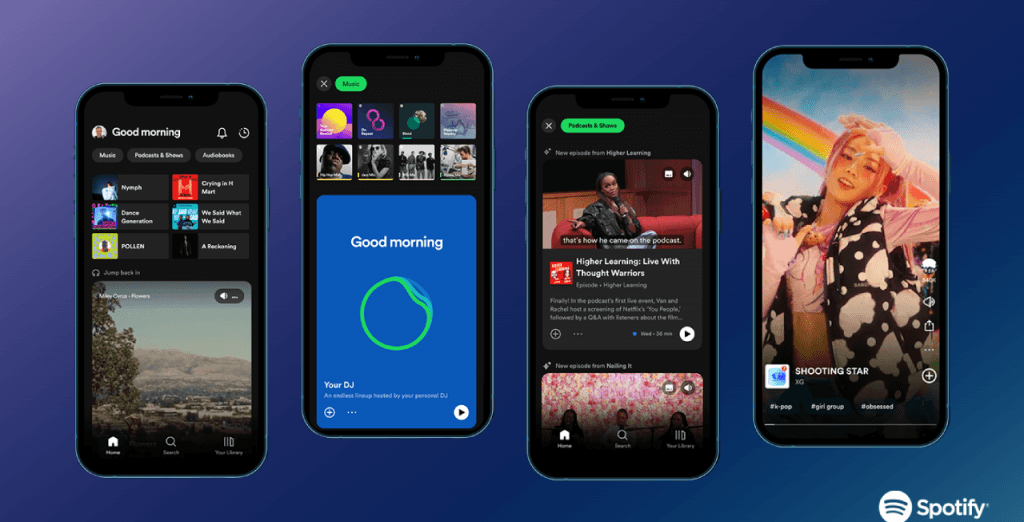
Recently, Spotify has announced improvements and upgrades to its music player and playlists. This affects the user experience. If you encounter problems with playlists not showing up and not being able to listen to music. Don’t worry, here is how to fix it from the MODDED-1 Team.
Step 1: Change your device’s IP with the help of Adguard VPN to that of the United States.
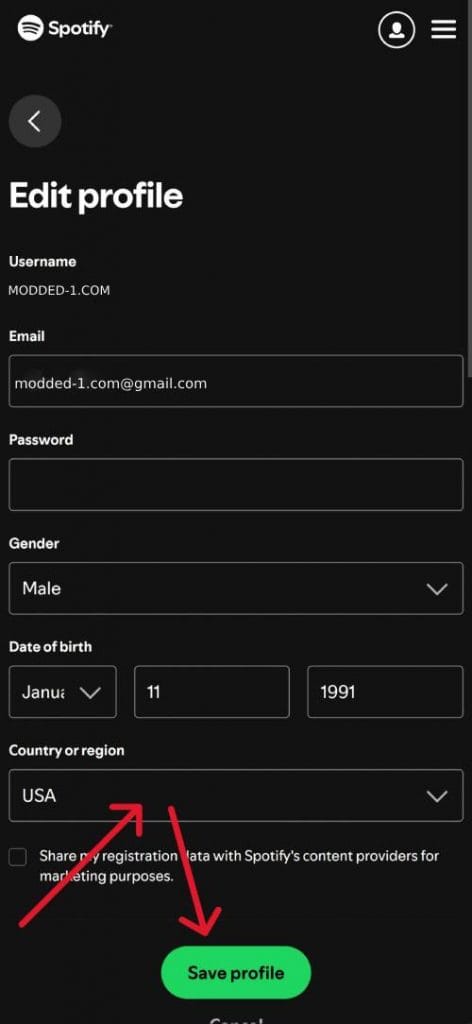
Step 2: Login to your Spotify account on this website: https://www.spotify.com/us/account/profile/ Change the region to the United States.
Step 3: Delete Spotify Premium MOD APK after changing the region of your Spotify account to the United States or Clear application data and then install Spotify MOD APK.
Step 4: Open Spotify and enjoy your favorite songs.

Good luck!

Good good bro