Kilonotes MOD APK 3.30.1.1 (Premium Unlocked)
合肥栈顶信息科技有限公司 | 0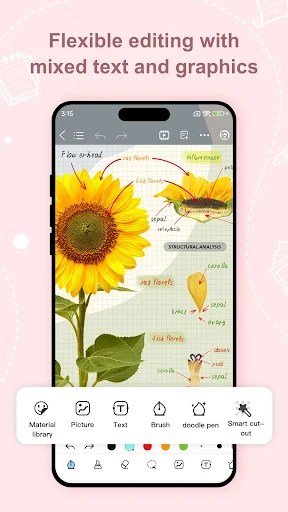
| Updated On | 10/06/2026 |
|---|---|
| Category | Utilities |
| Version | 3.30.1.1 |
| Size | 166 MB |
| Requires | Android 6.0 |
| Get it on | Google Play |
| MOD Features | Premium Unlocked |
- Premium Unlocked
Kilonotes drops you right into a massive digital notebook that handles handwriting, journaling, and basic document management without charging you up front. It turns a standard tablet or computer screen into a wide-open canvas for tracking studies and daily plans.
Note: Don’t forget to check out some similar note-taking apps on our website, such as Mind Notes or ColorNote Notepad Notes.
Introduce about Kilonotes
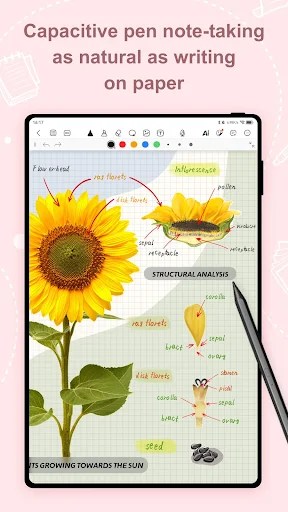
You can grab this productivity app on iOS, iPadOS, macOS, and Android devices to start building your own custom digital notebooks. It handles handwriting, regular typing, drawing, and document annotation all in one spot. Using it feels a lot less like a boring office utility and more like an open creative space for academic or personal projects.
Kilonotes leans hard into giving you the tactile feel of putting pen to paper while still keeping the perks of a digital format. It ditches basic text entry for a much larger suite of formatting options. You get to map out ideas exactly how you want them instead of fighting against rigid layouts.
Your notebook, your rules
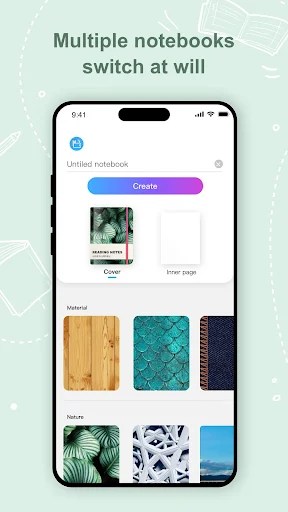
You aren’t stuck staring at a generic digital workspace since customization is a massive part of the experience here. Setting up a new project means scrolling through a ton of different notebook covers to give it a specific vibe. Picking out the perfect look for every single cover can definitely eat up some time before you even start writing.
When you actually open a notebook, you have a massive library of paper templates to choose from. This could be standard lines or grids, weekly planners, and so on. Creating a custom planner and personalizing it with stickers makes the effort of planning a busy week seem less laborious. The vast range of design configurations allows you to create a setup that is precisely suited to your needs at that moment.
More than just a pen
Finding the right instrument for your specific handwriting style usually takes a bit of trial and error among the different pen types. You can easily swap between a standard ballpoint pen for clean text and a thicker brush stroke for bolder headings. While jotting down quick class notes, relying on the gesture-based K switch lets you cycle between your favorite tools without breaking your focus.
You also get a doodle pen that basically works like digital washi tape to add a bit of flair. It lays down decorative patterns to make certain sections pop right off the page. This keeps your digital journal looking incredibly vibrant without needing actual physical supplies.
Notes that work for you
Kilonotes packs in a handy handwriting-to-text conversion tool that turns messy scribbles into searchable text with a few taps. Getting the hang of juggling this text feature alongside the built-in audio recorder takes a bit of practice at first. But once it clicks, turning on the audio recorder during a fast-paced meeting ensures you never miss a crucial detail.
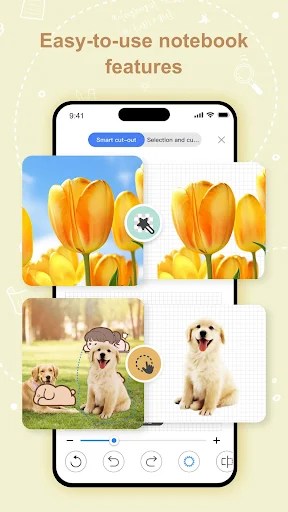
There is also a very forgiving lasso tool designed to grab any specific word, paragraph, or image on the screen. When organizing a cluttered page of study notes, you just lasso a chunk of text to quickly resize or drag it somewhere else. It cuts down on the frustration of having to erase and rewrite things just to make space.
Mastering your documents
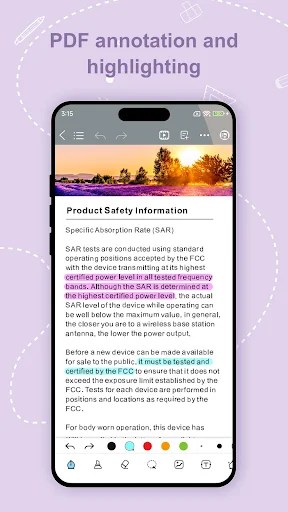
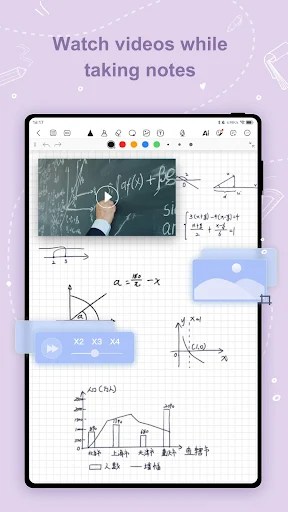
You don’t have to start every notebook from scratch, as Kilonotes allows you to drop standard PDF files directly into your workstream. Importing a big pile of lecture slides allows you to draw on and write over the actual text. It takes a few minutes of playing with the different viewing modes before you find what’s comfortable for reading long documents.
Simply fill out the digital forms with highlighters, text box and pen tools instead of printing them out. This setup effectively converts boring static documents into interactive pages that can be engaged with. All those random study materials and scattered thoughts are kept under lock and key in one place.
From notes to knowledge
Kilonotes tries to push you beyond simply hoarding information by giving you ways to actively engage with the material. You get an integrated flashcard creator that turns standard notes into active recall quizzes. Manually converting your daily notes into these study decks definitely requires some extra effort on your end.
Being able to quiz yourself without jumping over to a completely different application is a huge time saver. When studying for a massive final exam, pulling up those flashcards right next to your original notes keeps your focus locked in. It bridges the gap between just copying down facts and actually retaining the knowledge.
Download Kilonotes MOD APK for Android
Kilonotes works well for anyone trying to manage heavy coursework, keep a daily journal, or just sketch out random ideas. The base version is completely free and packs enough tools to get most people started without hitting immediate paywalls. You can grab it across Android, iOS, iPadOS, and even macOS if you have an M1 chip or newer.