OneYou Icon Pack MOD APK 3.6.0 (Paid/Patched)
PashaPuma Design | 0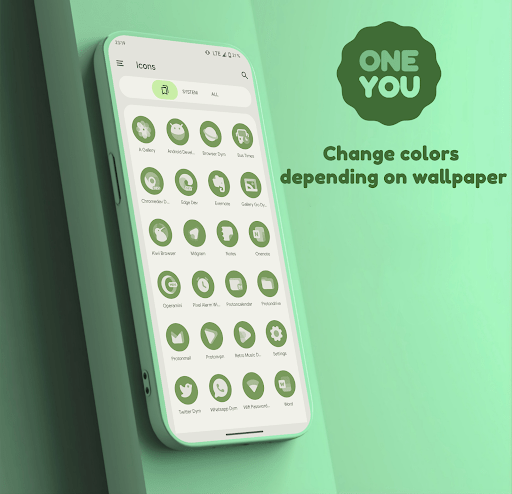
| Updated On | 01/05/2026 |
|---|---|
| Category | Personalization |
| Version | 3.6.0 |
| Size | 82 MB |
| Requires | Android |
| Get it on | Google Play |
| MOD Features | Paid/Patched |
- Paid/Patched
If you are looking for a set of icons that are both modern and flexible according to the wallpaper and theme of your device, OneYou Icon Pack is the choice worth considering. With a sophisticated design and the ability to automatically change colors according to the Material You style, this application promises to bring a new breeze to your phone screen.
Note: Don’t forget to refer to some similar applications on our website such as One UI 7 HD Icon Pack or One UI Glass Icon Pack.
Introduce about OneYou Icon Pack
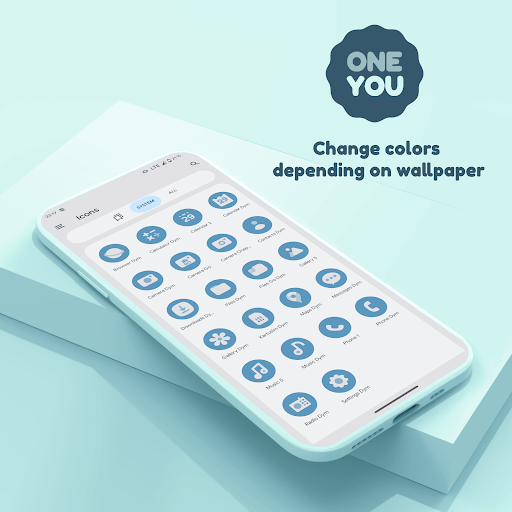
OneYou Icon Pack is an icon pack by PashaPuma Design that has the added bonus of the icons changing colors automatically based on the wallpaper or theme of your system. When you set your wallpaper, the icons will with the wallpaper blue, for example, will adjust the color of the icons to a blue theme to match. This keeps the overall look of the interface more cohesive and more enjoyable to look at.
This application is built on the Material You style, which is the design language of Android 12 and above. OneYou Icon Pack provides tens of thousands of icons of high quality as well as a One UI-style widget that helps you create a tidy and attractive home screen. Each icon is designed in a circular shape, simple but sophisticated, suitable for many different types of wallpapers.
The application is compatible with many popular launchers such as Nova, Smart, Niagara, Lawnchair … Users can easily apply and customize with just a few steps. This is a very useful tool if you want to create a synchronous, modern and flexible interface for your phone.
Automatically change icon color according to wallpaper
The most outstanding feature of OneYou Icon Pack is the ability to automatically change the icon color according to the main color of the wallpaper you are using. This application takes advantage of Material You technology and the Monét system on Android 12 and above to synchronize all icons with the general interface of the device. When you change the wallpaper, the icon will automatically take the color from that background to remix the color accordingly. This gives a smooth and visually harmonious feel.
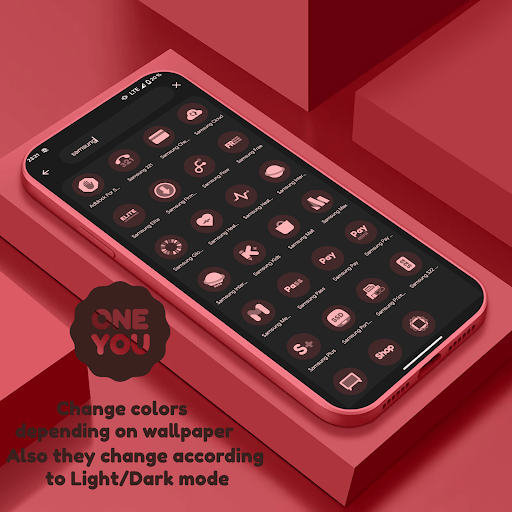
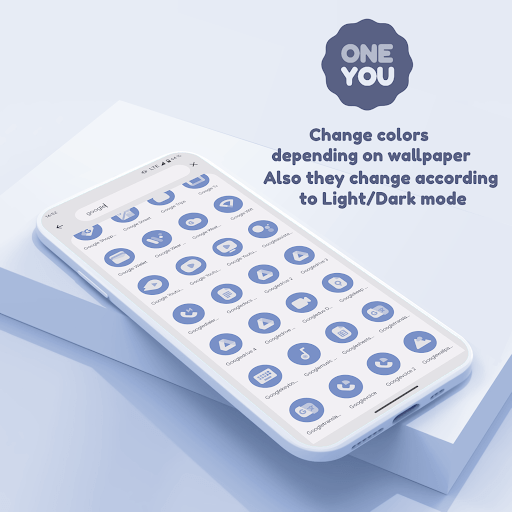
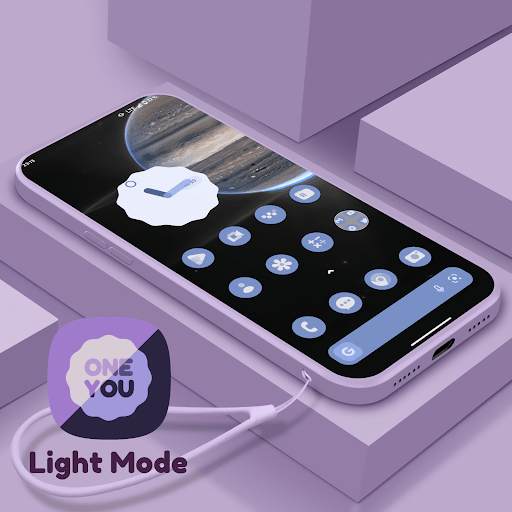
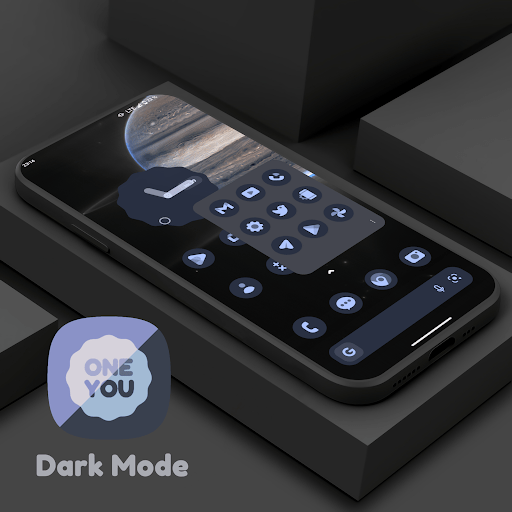
In addition to the main color, the icons are also adjusted to light or dark mode depending on the system settings. Therefore, whether you use a minimalist or colorful wallpaper, the entire interface will still be consistent and beautiful. Some launchers will also have automatic color changes as an option so that you don’t have to reapply it all manually, thereby saving you a few moments. You can easily customize your mobile phone screen as a creative multisensory intellectual experience without needing to edit each icon.
Rich icon store with consistent design
OneYou Icon Pack owns a huge icon store with tens of thousands of icons designed in a consistent style. Each icon is completely redrawn with a characteristic circular format, making the overall interface neater and easier to see. The strength of this icon set lies in its simplicity while still maintaining a modern look. The details in each icon are minimized, while still ensuring that users can easily recognize the application.
This helps to bring a smooth and seamless user experience. In addition to the main icons for popular applications, OneYou also adds many different variations for users to choose according to their preferences. In recent updates, the developer regularly adds new and upgrades the design of hundreds of icons at a time, ensuring that it keeps up with trends and usage needs.
Supports many popular launchers on Android
A big advantage of OneYou Icon Pack is its compatibility with many different launchers. The application works well on popular launchers such as Nova Launcher, Smart Launcher, Niagara Launcher, Lawnchair, Hyperion and many others. Depending on the launcher you use, the application will automatically recognize and suggest appropriate installation methods.
With some launchers such as Smart Launcher or Lawnchair (Material You supported version), you can take advantage of additional features such as “icon masking” – helping icons that do not have their own design to still be applied according to the theme color tone to synchronize the interface.
In addition, for Samsung users, the application can also work well when combined with Theme Park – a theme design tool in the Good Lock toolkit. Whether you use a Pixel, Xiaomi or Samsung device, just choose the right launcher, you can apply this icon pack easily and quickly.
Regular updates and continuous improvements
Developer PashaPuma Design takes great care of the OneYou Icon Pack application by continuously releasing new updates. Each update usually comes with hundreds of new icons, editing old icons to synchronize the design and color. In addition, user feedback is also recorded and improved promptly. For example, the crash error on some Samsung devices has been completely fixed in the new update.
The “mask icon” part of Smart Launcher is an improvement based on community suggestions. Frequent updates to your app, will mean that every time users come back to it, they can feel refreshed, while maintaining a compatible icon set from changes to the Android operating system. Each update has a clear announcement on Google Play, or through the developer’s webpage, so users can come back and see what they have missed out on and maybe some great new features.
Download OneYou Icon Pack MOD APK for Android
To sum it up, OneYou Icon Pack consists of One UI-style dynamic icons, with the bonus of Material You/Monét so the colors automatically match the system theme. It also includes widgets, is compatible with many popular launchers, it is consistently updated with new icons to make your homescreen more beautiful.