Total Launcher MOD APK 3.4.8 (Premium Unlocked)
Total_Apps | 0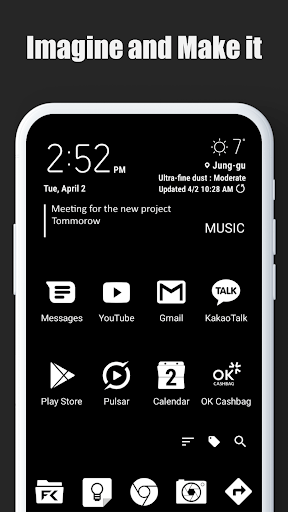
| Updated On | 28/04/2026 |
|---|---|
| Category | Personalization |
| Version | 3.4.8 |
| Size | 24 MB |
| Requires | Android 8.0 |
| Get it on | Google Play |
| MOD Features | Premium Unlocked |
- Premium Unlocked
Staring at that same rigid grid of Android icons gets boring after a while. Total Launcher is a customization tool that strips away those standard layouts so you can build a home screen from the ground up. It takes some patience to figure out, but it finally lets you create an interface that fits your exact habits.
Note: Don’t forget to check out some other outstanding apps on our website such as Deep OS Launcher or Anime Launcher.
Introduce about Total Launcher
Total Launcher ditches the usual icon packs and wallpapers to give you a completely blank canvas for your Android device. You get to decide exactly how the user interface looks and acts, ignoring traditional design rules entirely. It definitely takes more effort than a standard launcher, but the payoff is a home screen built around your specific workflow.
Most customization apps just give you a list of preset themes to pick from. Here, you have to meticulously place every single element and define how it behaves, which lets you make things as aggressively minimalist or ridiculously complex as you want.
Your screen, your rules
To build your custom layout, need to enter the dedicated edit mode to unlock all pixels on the screen. You can drop in a new app shortcut or whole layout container and then drag it around until you like the placement. It requires a little practice to get used to the fact that things will not snap to the rigid grid but it applies experiment is fun.
A simple long-press on the home screen unlocks the ability to tweak or shift any on-screen element. You can easily jump back in to adjust a widget’s placement when you notice it blocking your favorite wallpaper. Modifying a layout over time is a constant process of refining and tweaking, which won’t appeal to folks who just want a finished phone right out of the box.
More than just icons
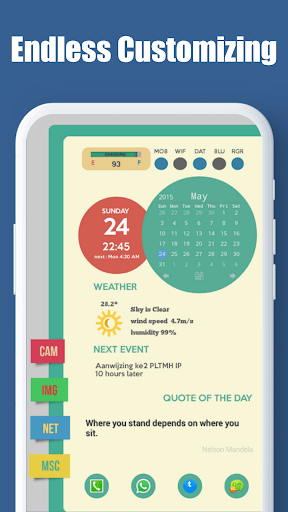
Customization goes way past simply changing an icon’s shape or size. You can apply unique animations that trigger during specific events or set custom interactive behaviors for every single item. Setting all this up is incredibly tedious initially, but it eventually turns a static menu into a highly responsive interface.
Total Launcher lets you attach hidden gestures to almost any object on the screen. You could easily assign a swipe up on a weather widget to open a full forecast, or a double-tap on a folder to launch one specific app inside it. Remembering all these invisible shortcuts takes some muscle memory, but it makes navigating your phone much faster.
Shortcuts at your fingertips
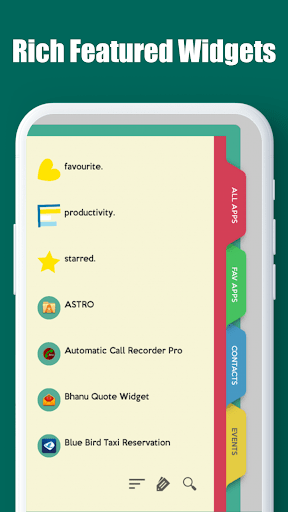
To avoid cluttering up your custom design, the launcher relies heavily on screen-wide gesture controls. You can tie your most frequently used apps to simple swipes instead of littering the display with dozens of ugly icons, though handing your phone to a friend becomes a nightmare since they won’t know your hidden commands.
Programming these shortcuts lets you trigger specific launcher functions or open menus without tapping a button. When you are rushing to open the camera or check a message, a quick swipe gets the job done instantly. Getting the gesture sensitivity dialed in requires a bit of trial and error, but it definitely streamlines daily phone use.
Create stunning visual depth
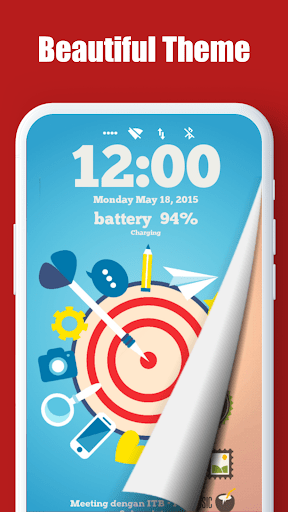
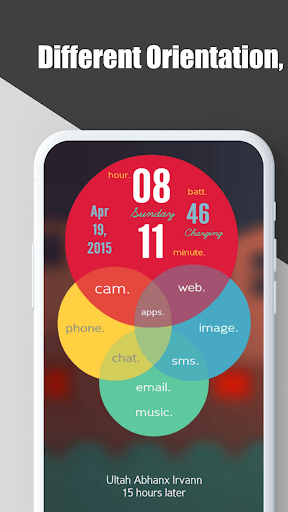
Moving past flat grids, you can actually overlap widgets, panels, and icons to build layered interfaces with a 3D-like effect. Piling these elements on top of each other lets you design layouts that look like computer terminals from a science fiction movie. Balancing these layers without making the screen a chaotic mess is tough, but the depth is really cool when you get it right.
Arranging different objects to create visual depth feels like a massive step up from a standard Android layout. You might layer a clock widget partially behind a transparent photo panel to give the screen some dimensionality. This level of intricate design demands a good eye for aesthetics, so not every layout is going to look like a work of art.
Perfect for folding phones
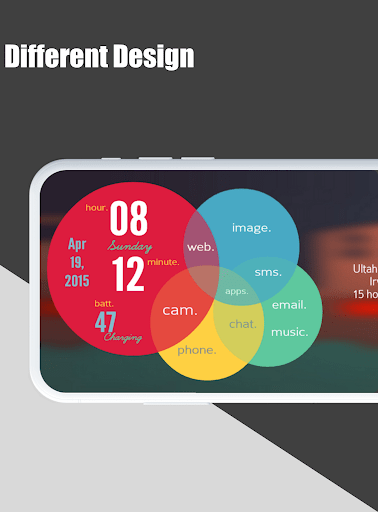
Modern foldables often struggle with custom launchers, but this app actually includes dedicated support for them. You can build two completely distinct home screen setups, assigning one to the compact cover screen and a totally different one to the large inner display. Designing two separate layouts basically doubles the amount of work you have to do, but it is great for foldable owners.
The software detects screen transition on its own, when you switch folding and unfolded the laptop. You can view notifications on the small front display of the phone and flip it open to have access to the larger tablet interface. It can be infuriating to achieve widgets that scale well for both screen sizes but surprisingly good hardware support.
Save and share your creations
Because creating these intricate interfaces takes so long, Total Launcher includes a backup and restore tool that saves your entire setup as one file. You can easily export this file when switching to a new phone so you don’t lose all your hard work, even if managing these backup files manually can feel a bit clunky.
This backup system also lets users share their personalized themes with the wider community. You can download another user’s complex layout just to reverse-engineer how they built a certain animated menu. Using community themes as a starting point helps bypass the steep learning curve, though you still have to figure out how to modify them to fit your own apps.
Download Total Launcher MOD APK for Android
Total Launcher caters heavily to tinkerers and designers who want absolute control over their phone’s interface. It completely ignores the simplicity of alternatives like Nova Launcher or Square Home in favor of pure, unfiltered freedom. That focus on complexity makes it a tough recommendation for casual users who just want a pretty wallpaper and some neat icons.